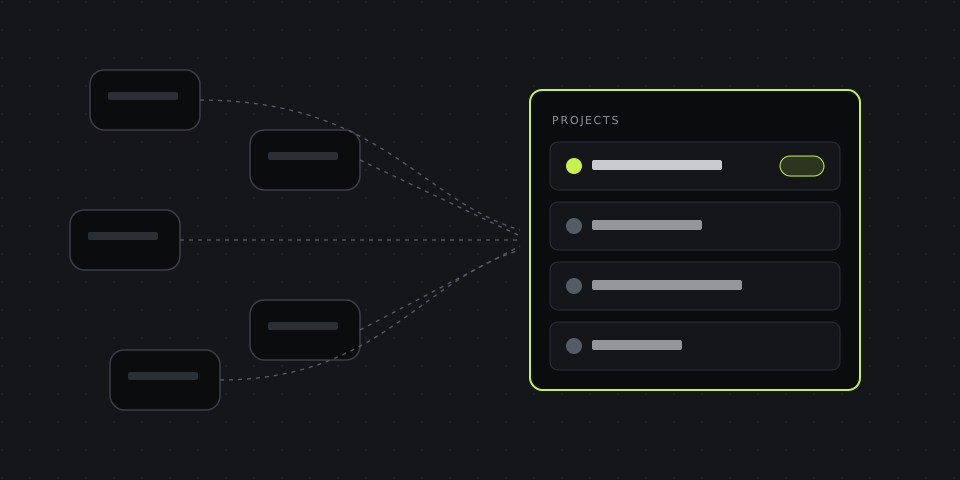
The Freelancer's Toolkit: One Dashboard for Clients
How to run several clients from one place instead of Trello, Loom, Drive and five chats — a minimal toolkit and a weekly routine.
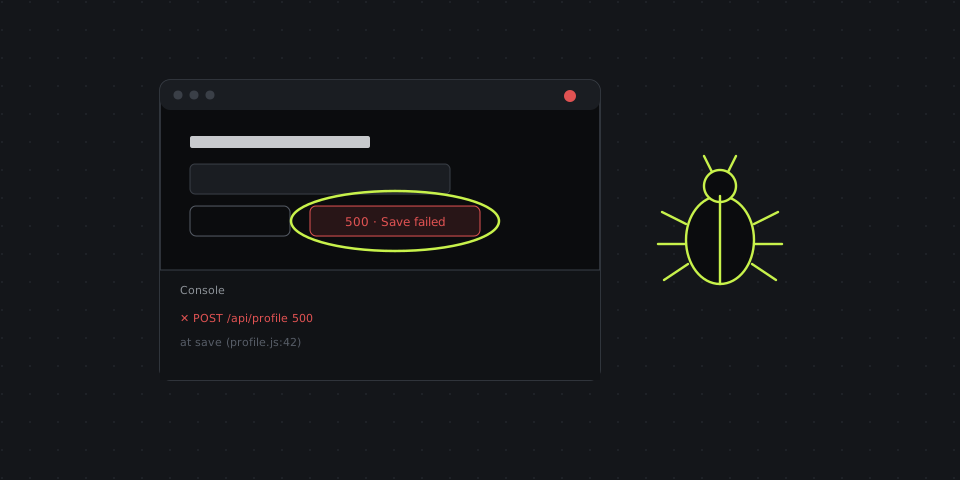
How to Report Bugs Faster With Screen Recording
A bug report template, how to record a reproducible bug in under a minute, and what to attach so the developer never asks "how do I reproduce this?".
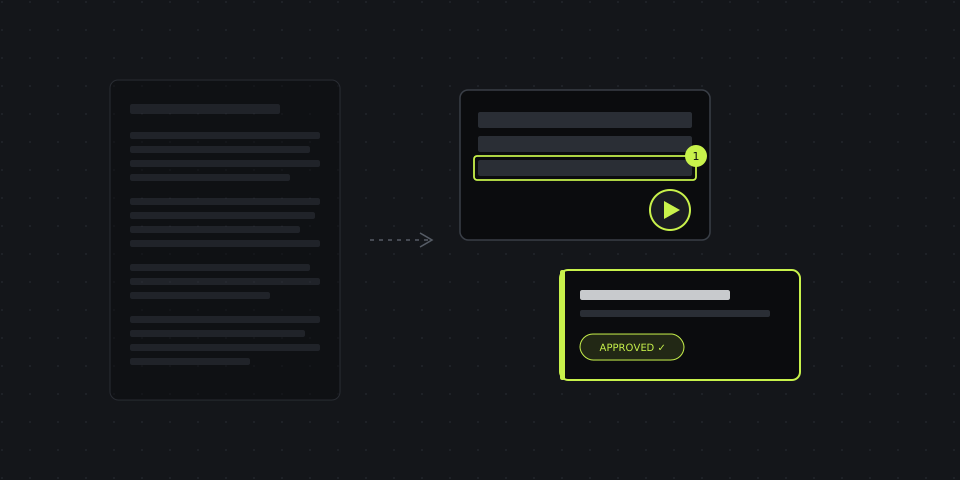
How Agencies Explain Campaign Changes Without a Call
Replace the email wall and the "quick call" with an annotated screenshot, a 90-second recording and one clear ask.
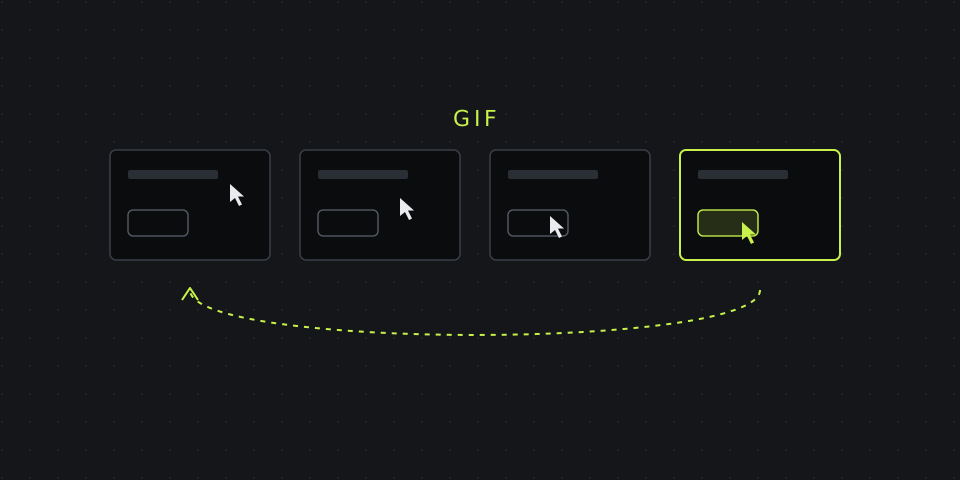
How to Turn a Screen Recording Into a GIF
Record straight to GIF or convert a video in the browser — and keep the file small enough to actually send.
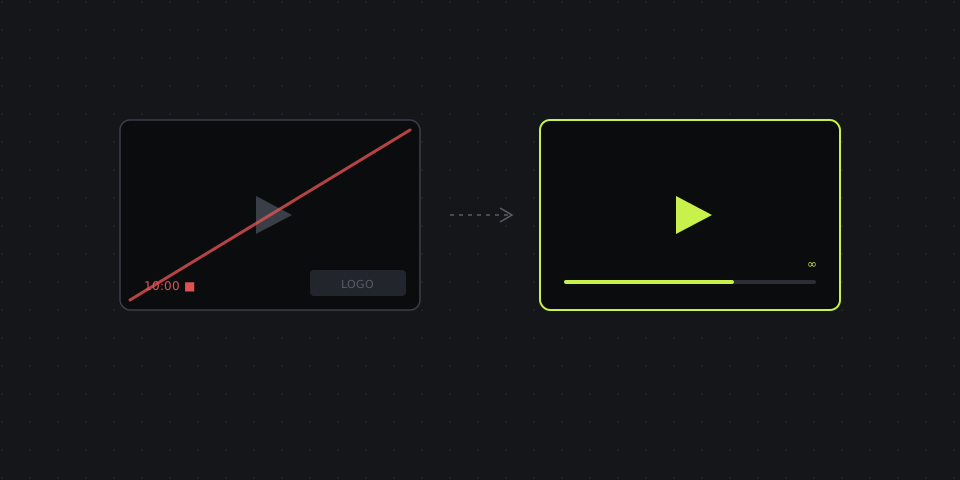
Best Free Screen Recorders With No Watermark or Time Limit
Which recorders are genuinely free, which ones watermark or cut you off, and when $8 a month beats "free".
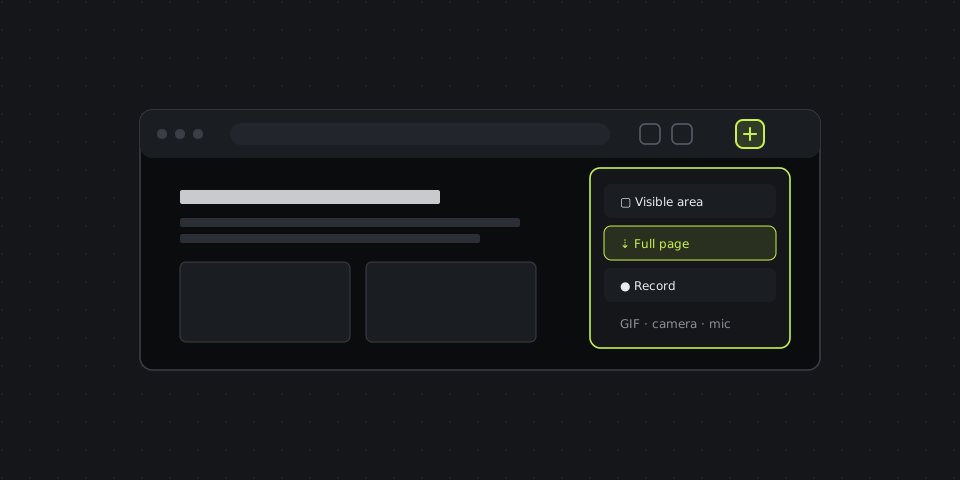
Best Chrome Extensions for Screenshots and Screen Recording
What each extension captures, what's free, and the browser permissions worth checking before you click "Add to Chrome".
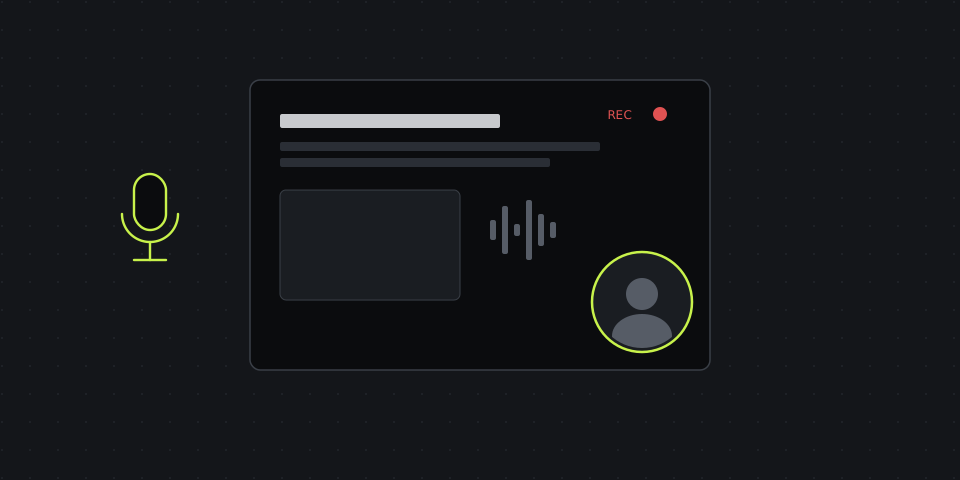
How to Record Your Screen With Audio and Webcam
Microphone, system sound and a webcam bubble on Windows, Mac and Chrome — and why so many recordings come out silent.
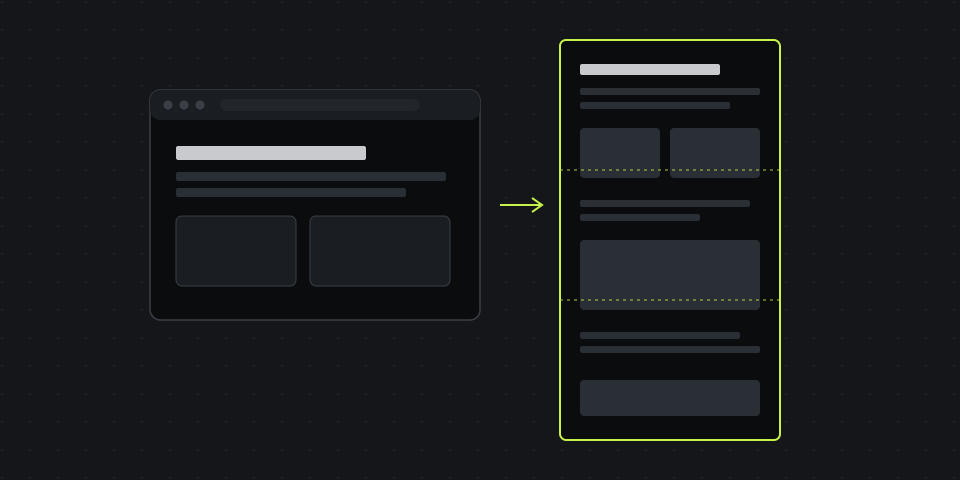
How to Take a Full-Page Screenshot in Chrome
The hidden DevTools command, the one-click extension way, and what to do when sticky headers and lazy images ruin the capture.
Snagit, Lightshot, ShareX or Greenshot? Free Alternatives Compared
What each classic screenshot tool is actually good at, where it falls short, and which free alternative fits your setup.
9 Best Loom Alternatives for Teams in 2026
Free plan limits, price per seat and the one feature Loom never shipped — tasks built into the recording.
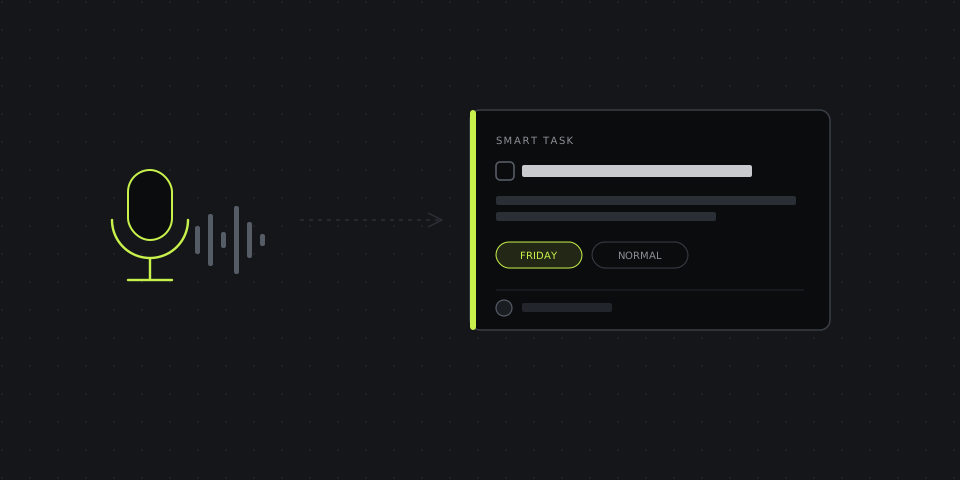
Voice-to-Task: How to Turn a Recording Into a Structured Task List
What happens between recording a voice note and getting a clean task, how to speak so the structure comes out right, and a worked example.
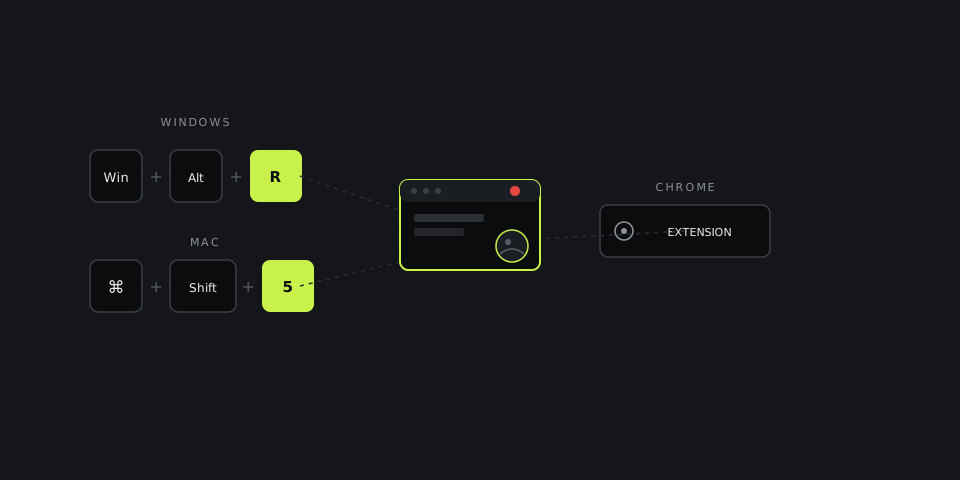
How to Record Your Screen on Windows, Mac and Chrome (All Methods)
Every shortcut in one table, why Chrome has no built-in recorder, and what to do with the file once you’re done.
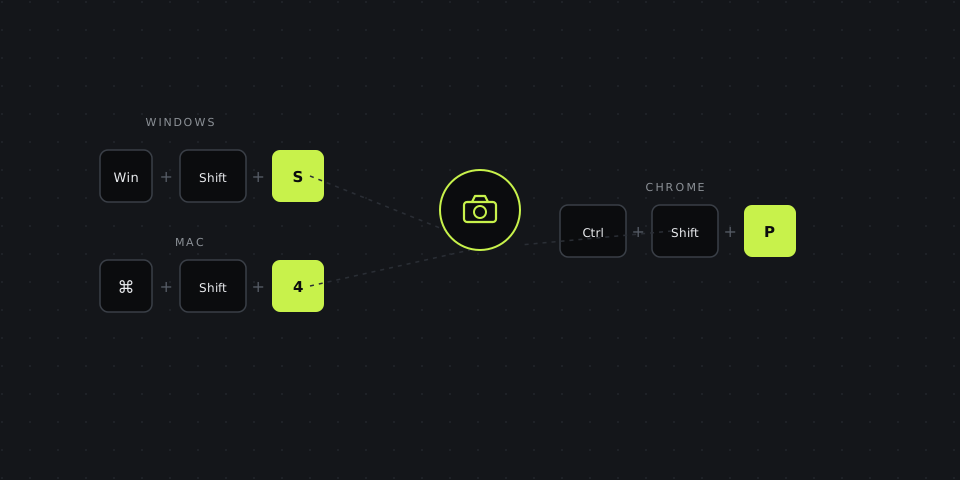
How to Take a Screenshot on Windows, Mac and Chrome (All Methods)
Every shortcut in one table, what to do when Print Screen doesn’t work, and where the file actually ends up.
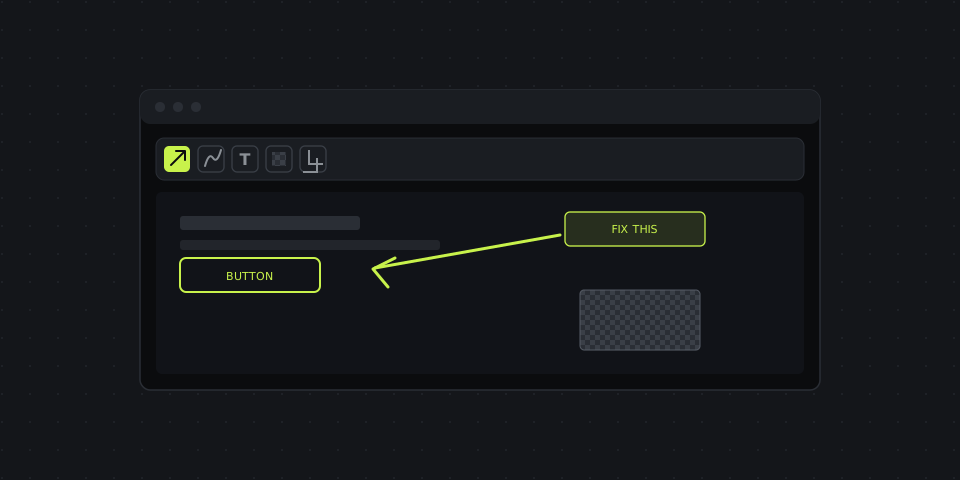
How to Annotate, Blur and Edit a Screenshot Like a Pro
Arrows, text, blur and cropping — how to use each one well, plus the keyboard shortcuts that skip the menus.
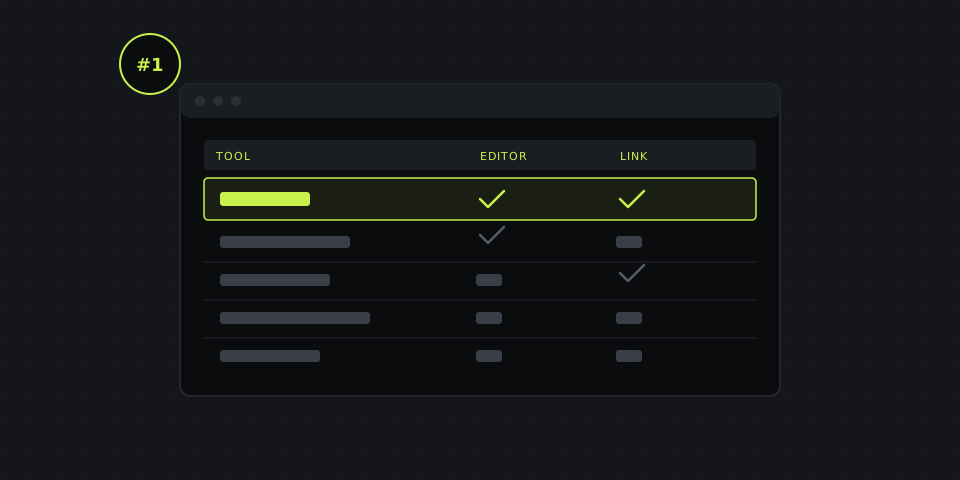
Best Screenshot Tools in 2026 (Free & Paid, Compared)
9 tools compared on price, watermark, built-in editor and instant links — with DashShot’s free editor as the baseline.
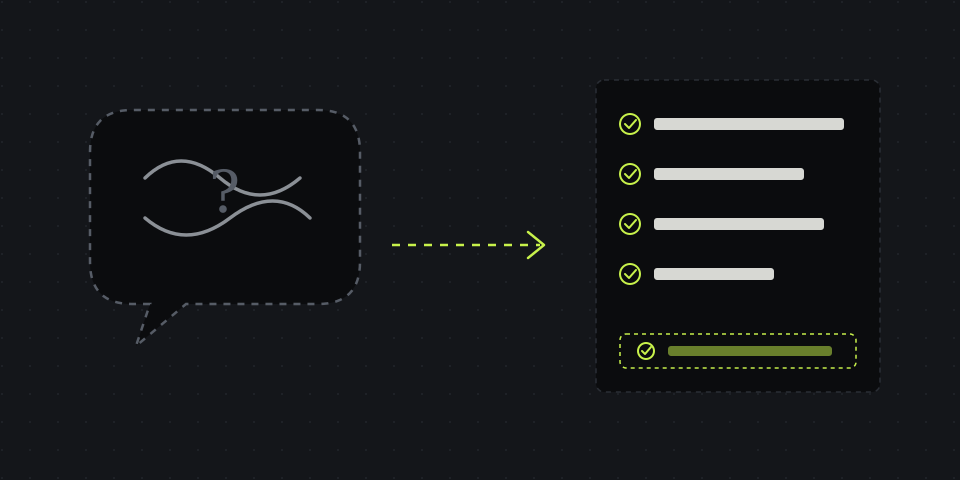
Why half your tasks end in a follow-up call
Three reasons a written task falls short — and a formula that answers the follow-up questions before they're asked.
Async communication: how to cut down on calls
What actually breaks a remote team's productivity — and how going async gives you the hours back.
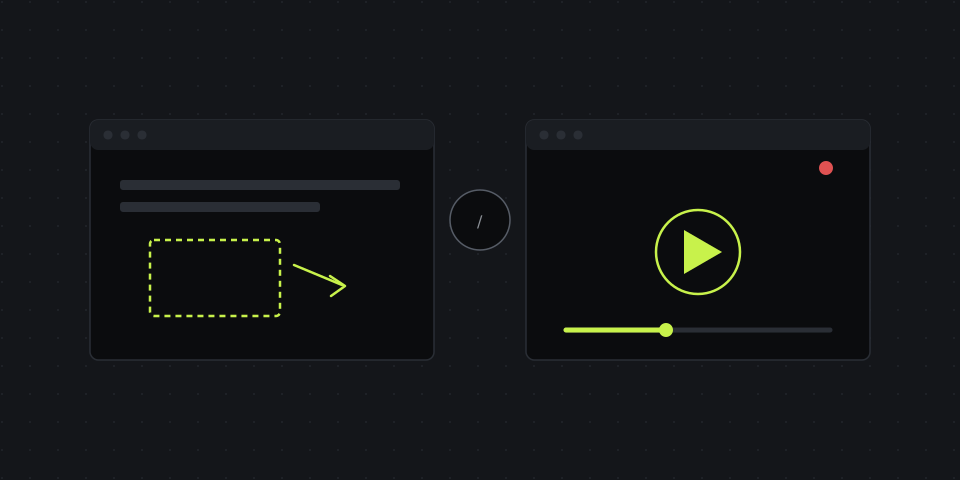
Screenshot or screen recording: what to send a client
A simple system for choosing the right format — so the client gets it the first time and you don't waste extra time.